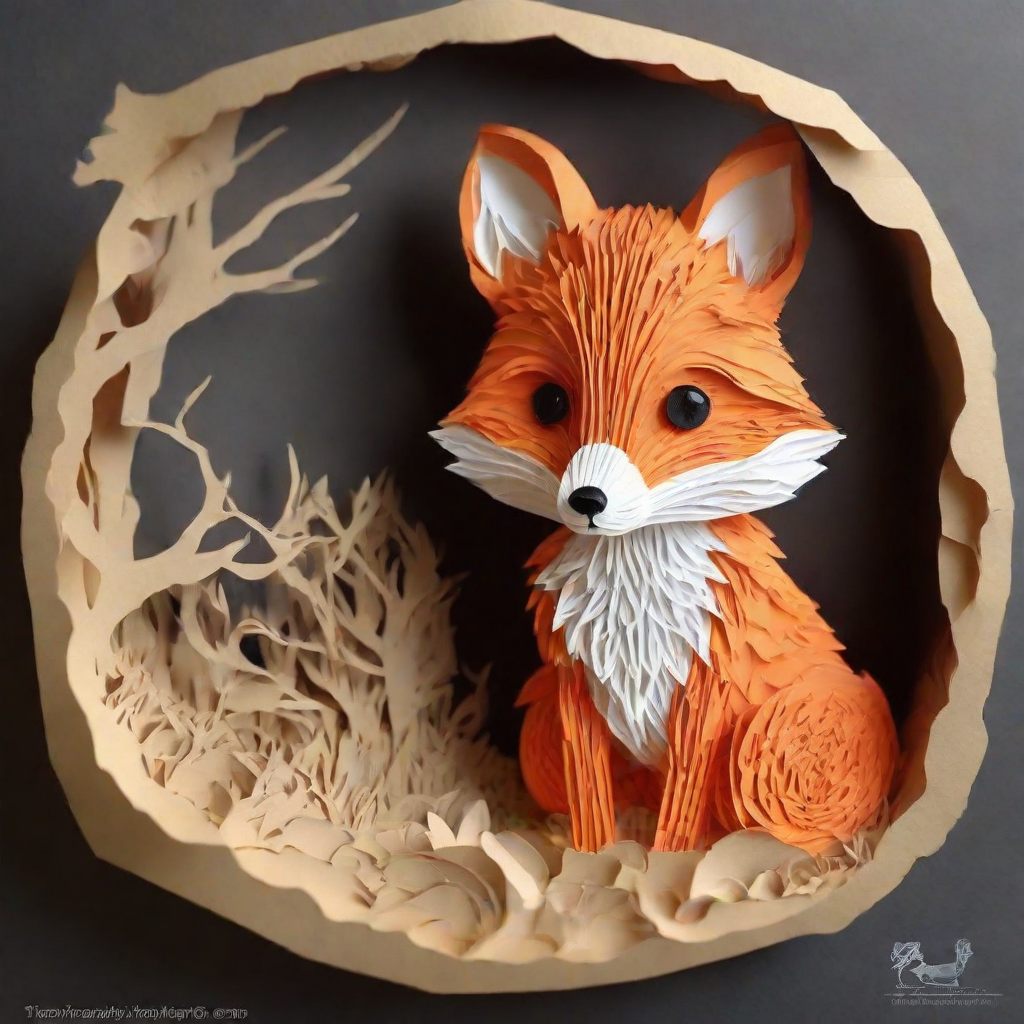
A fox in papercut style
Original prompt (EN)papercut, a cute fox
 generowanieobrazow.comAI image generation
A project designed for Polish-speaking users. Prepare an image description in Polish, choose an aspect ratio and explore prompt tips in the Polish interface.
Preview version — image generation is still in preparation.
Different styles, different ideas. Explore the original prompts and use them as a starting point.
papercut, a cute fox
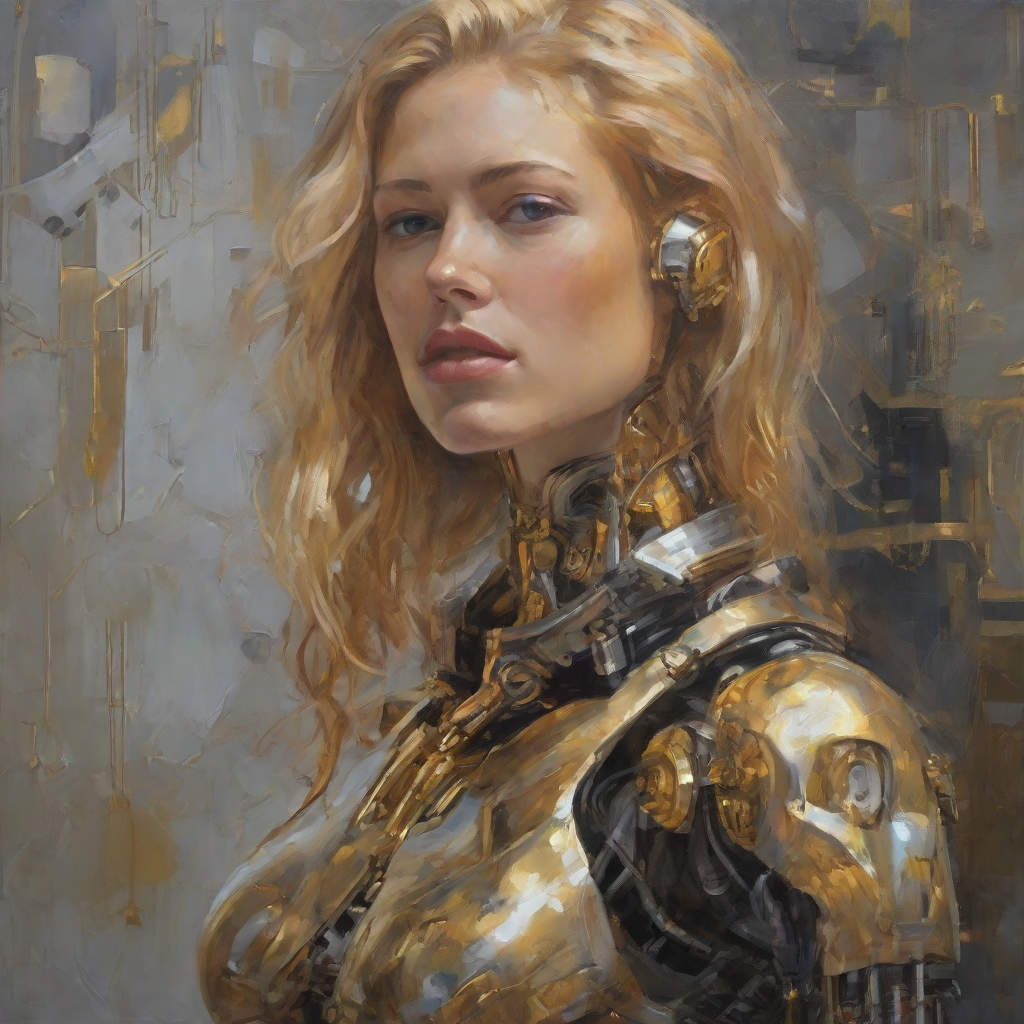
Self-portrait oil painting, a beautiful cyborg with golden hair, 8k
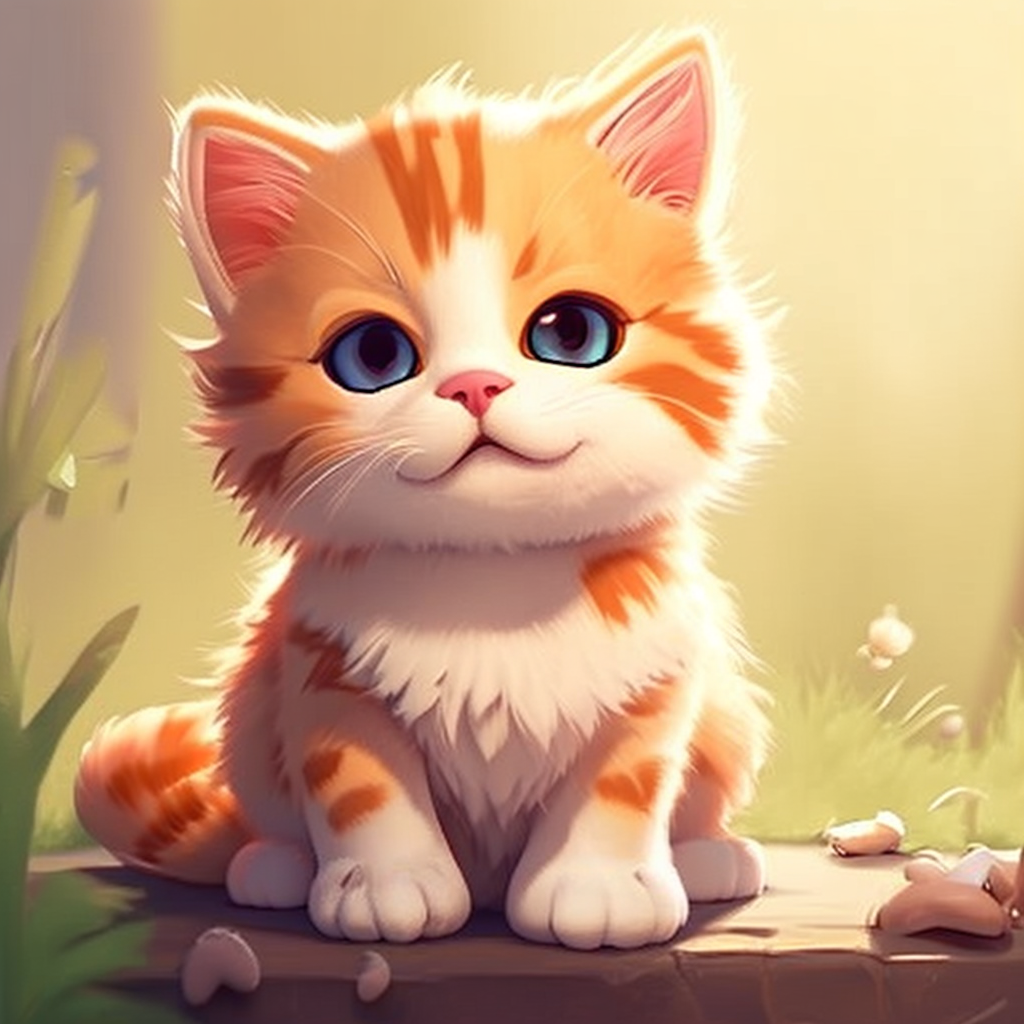
cute cat
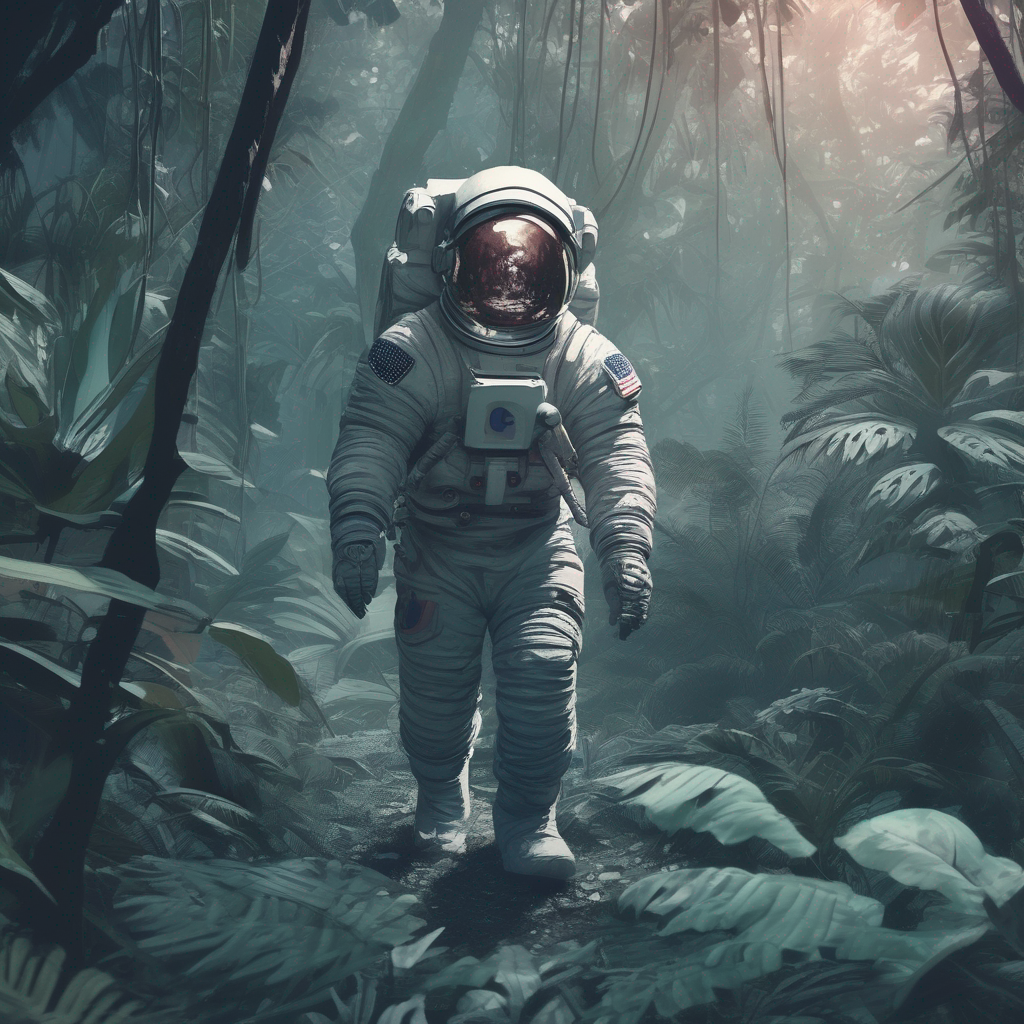
Astronaut in a jungle, cold color palette, muted colors, detailed, 8k
Public model documentation examples, not results from this service. Results depend on model, settings and randomness.
The Polish version brings together a Polish interface, ready-to-use starter ideas and guidance on describing AI images. Prepare your own description in Polish, choose an aspect ratio and find inspiration without switching to an English interface.
The guide, FAQs and descriptions of planned access options are available in Polish. Public documentation examples retain their original English prompts so you can see the exact text used to generate them.
An AI image generator interprets a description to create a picture. Results depend on the model, settings and prompt. You can already prepare a description and select an aspect ratio here; image generation itself is not yet available.
Enter the subject, setting and key details. Start with an idea below the description field or use an original prompt from the gallery.
Square 1:1 suits centered compositions, landscape 16:9 fits wide scenes, and portrait 9:16 works for tall compositions. Choose a format for your intended use.
Add lighting, colors and a visual style. You can freely edit the description before generation is launched. The generate button currently displays a message that this feature is in preparation.
A useful prompt combines a specific subject with visual details. Instead of a long list of unrelated words, choose a few details that should appear in the image.
Describe what belongs in the image and where the scene takes place. “A ginger cat beside a café window” gives more direction than just “cat”.
Specify photography, illustration, painting or papercut. Add a close-up, wide shot or overhead view when perspective matters.
Soft morning light, warm colors or a cool palette help describe the atmosphere. Change one element at a time in later attempts to compare the effects.
A ginger cat beside a window in a quiet café, delicate watercolor illustration, soft morning light, warm beige and orange tones, eye-level close-up.
Return to the description fieldThe examples above show how varied AI-generated images can look. They come from documentation for different models; they are not outputs of this service or a promise of identical results.
Soft shapes, vivid colors and simplified details suit illustrations of characters and animals. Describe the line work, color palette and background in your prompt.
Visible brushstrokes, texture and light and shade give a scene a painterly look. The cyborg portrait combines a fantasy subject with an oil painting aesthetic.
Layers of paper, crisp edges and gentle shadows create a sense of depth. The fox in the gallery illustrates this style; specify the material and arrangement of layers in your description.
You can browse examples and tips without an account. The current generate button requires sign-in but does not yet create images. The pricing page describes planned options, and purchases are unavailable. Final prices and limits will be provided before launch.
Review planned pricing and creditsBrowsing this page, its examples and tips is free. Image generation has not launched yet. Starter credits are currently a proposal on the pricing page, rather than an available offer.
The current form asks you to sign in after clicking generate. Without an account, you can prepare a description, choose an aspect ratio and copy sample prompts. Image generation itself is still in preparation.
Yes. The project is designed for Polish-speaking users: the Polish version includes a Polish interface, description ideas and a guide. The text field supports Polish characters. Results from Polish prompts will depend on the selected model; generation is not yet available.
The current version does not support photo uploads or generation from a reference photo. The form lets you prepare a text description. You cannot currently use your own photo as a starting point.
No. They are public examples from AI model documentation, displayed with their original English prompts. They provide inspiration for descriptions and styles. We do not present them as outputs generated by this service.
Conditions depend on the model, provider and intended use of a particular image. This service does not yet provide generated outputs or a finalized commercial offer. Before publishing, review the relevant provider terms and rights to elements used in the image.